Admin Settings
This section contains information on the settings users must configure to manage the features under the Admin module.
Click Admin ➜ Admin Settings. By default, the Seats Reporting page appears on the Admin Settings page appears.
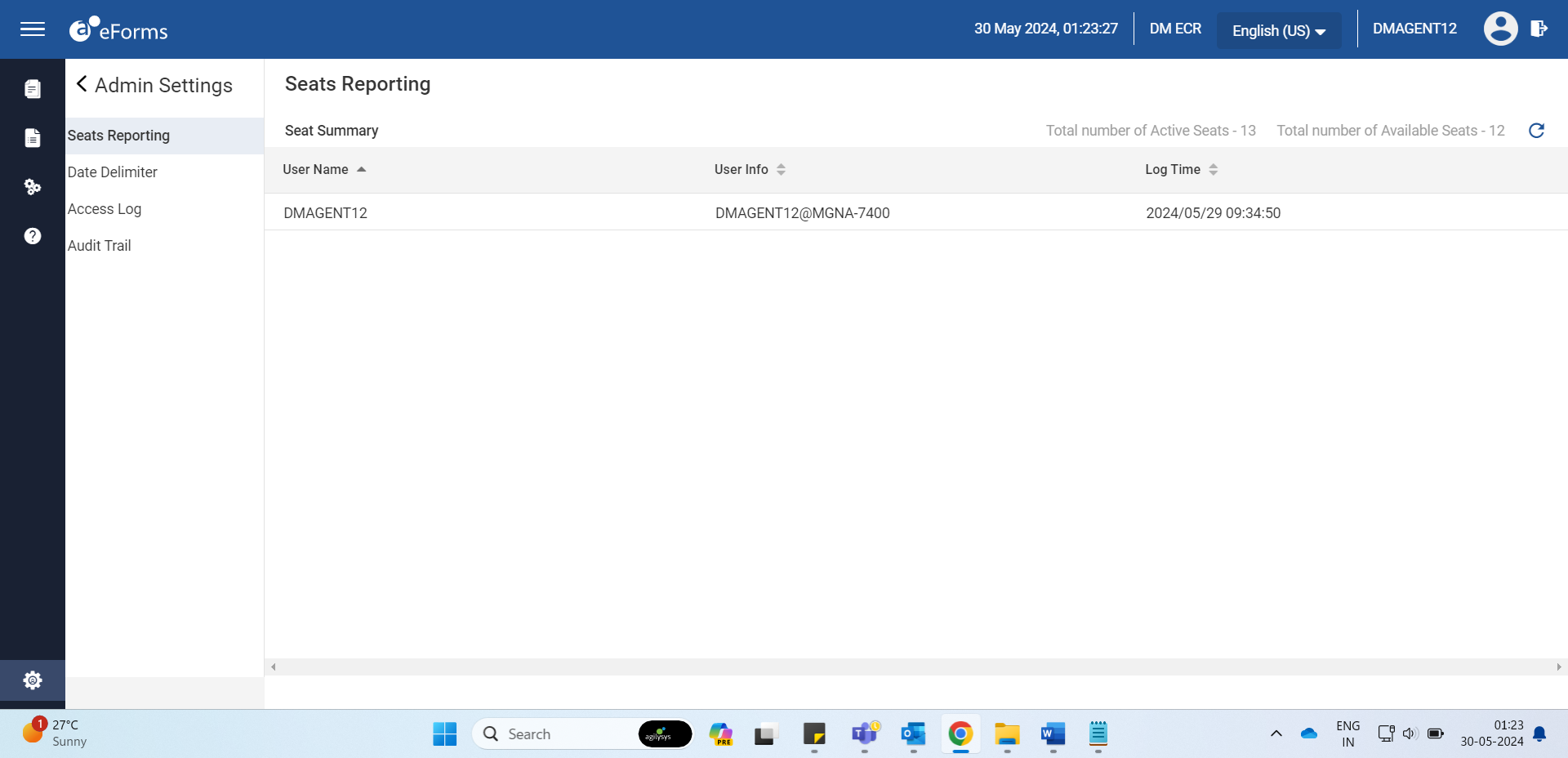
Configure the following options under Admin Settings:
-
Seats Reporting
-
Date Delimiter
-
Access Log
-
Audit Trail
-
Email Setup
-
Signature Timestamp